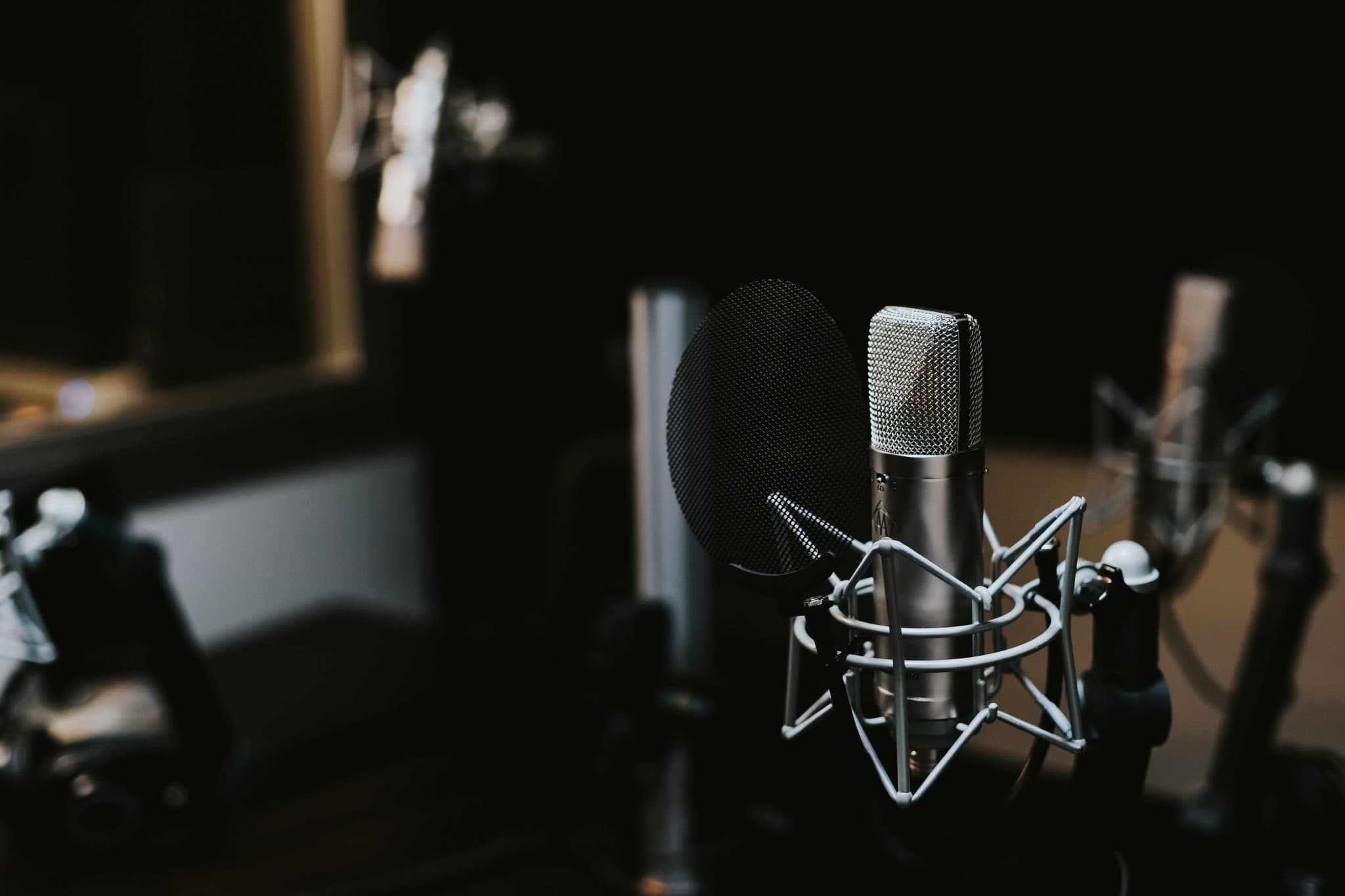
Killer Tone with Less Noise
Killer Tone with Less Noise is a realistic goal when you treat noise as a system problem and tone as the result of many small, consistent choices. In heavy music, high gain exaggerates every flaw, so hum, buzz, and hiss creep in from pickups, cables, power, gain staging, and computers. This guide gives you a [...]
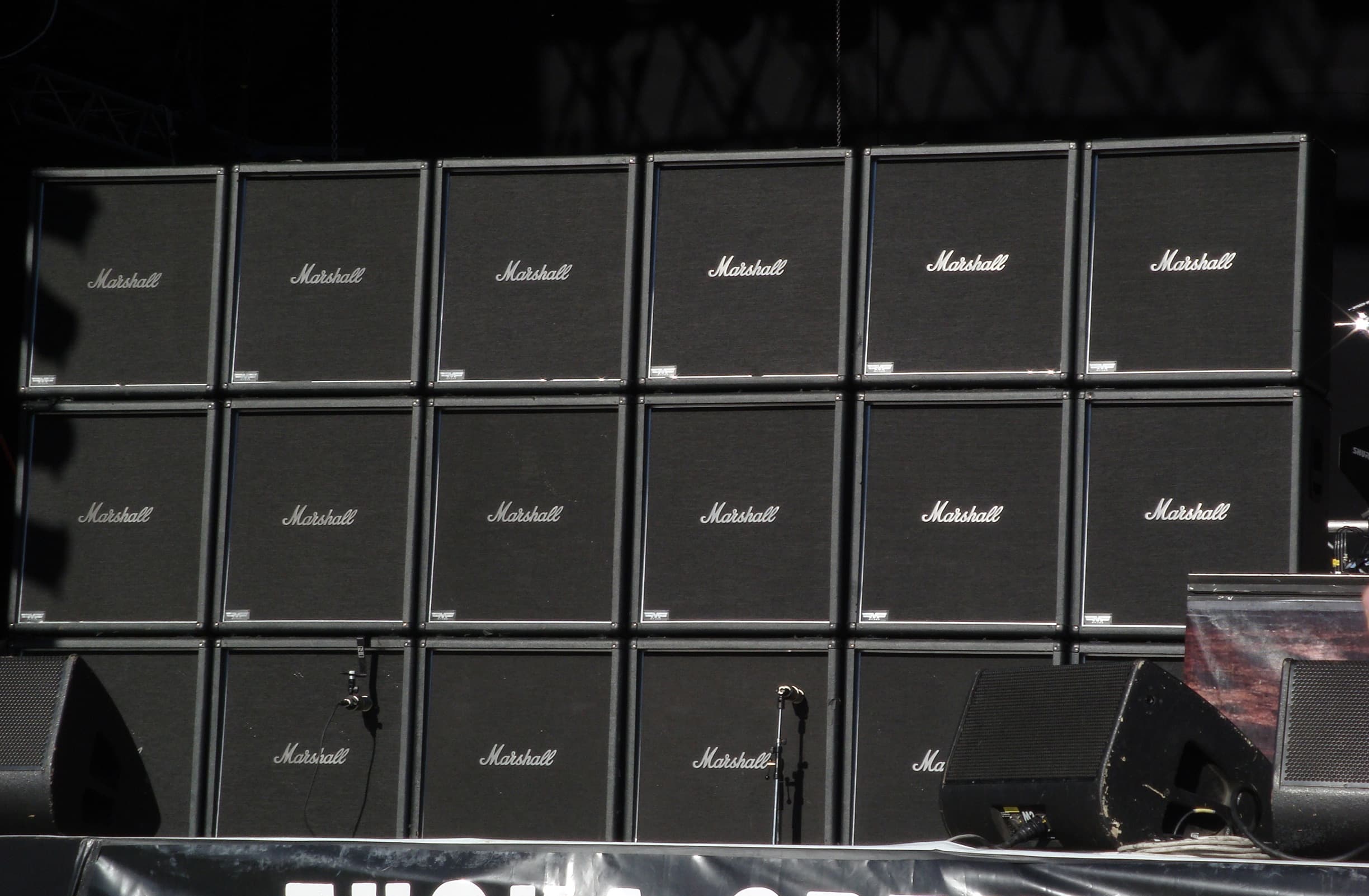
Killer Tone with Less Noise is a realistic goal when you treat noise as a system problem and tone as the result of many small, consistent choices. In heavy music, high gain exaggerates every flaw, so hum, buzz, and hiss creep in from pickups, cables, power, gain staging, and computers. This guide gives you a clear sequence to tighten your front end, reduce noise at the source, and keep the punch, clarity, and aggression you want in both the studio and on stage.
What we mean by noise in high gain guitar chains
For our purposes, noise is any unwanted signal that gets amplified with your playing. The common types are 50 or 60 Hz mains hum and its harmonics, radio frequency buzz from lighting and computers, hiss from gain stages, and ground loop buzz when multiple devices connect to earth at different points. Good practice is to remove noise before it hits distortion, then use gates gently as polish.
If you want the physics basics to anchor the workflow below, skim these primers: a short overview of electromagnetic interference, why a Faraday cage blocks noise, how ground loops happen, and why balanced connections reject common-mode interference.
Signal flow matters: fix noise before distortion
Noise multiplies as it passes through compressors, boosts, and high gain. The earlier you remove a source, the less you will fight later. A disciplined order is: instrument and player technique, guitar wiring and shielding, cabling, interface or pedals, amp or sim, cab or IR, then mix processing. Do not rely on gates to fix physics. They tidy tails but cannot fix flubby lows or mains hum that sits inside your notes.
Achieve great tone with lower noise
A simple mental model helps: clarity equals controlled bandwidth at each stage plus clean power and correct impedance. Translate that into setup steps you repeat every time. Consistency is the real secret to quiet, aggressive guitars that double-track tightly.
Step 1: stabilise the instrument front end
- Strings and setup: Fresh strings, correct relief, and action that survives real palm mutes reduce fret rattle that becomes spiky noise. Relief target 0.10 to 0.20 mm. Action guide at the 12th: 1.6 to 1.8 mm bass side, 1.2 to 1.4 mm treble side.
- Pickup height: With the last fret fretted, start around 2.5 to 3.0 mm on the bass side and 2.0 mm treble for hot passives. Actives can sit 0.5 mm closer. Back off if you hear low string warble.
- Shielding and wiring: Copper foil or conductive paint in cavities with all grounds meeting at a single star point helps reject interference. Keep pickup leads twisted and short. Learn the basics of humbucker noise cancelling and confirm coil phase when wiring coil splits.
If you split or swap pickups often, document the harness values and keep a clean DI reference for comparison. A fast way to confirm that your DIs are tight and level matched before you judge tone is to run them through DI cleaning and tightening so your noise checks are honest.
Step 2: choose cables and connections that reject noise
- Instrument cables: Use low capacitance, well shielded TS cables between guitar and first device. Keep runs short to preserve high end and reduce interference pickup.
- Balanced lines after the first gain: As soon as you can, move to TRS or XLR balanced connections. Balanced wiring rejects common-mode noise by design and is standard practice for low noise studio work.
- Re-amping and DI boxes: Use a DI box to capture a clean guitar signal and a proper re-amp box to feed real amps. That manages impedance correctly and breaks ground loops. If you plan to compare heads and sims, book re-amping so the performance stays identical.
- USB and computers: Keep USB cables short, avoid hubs for critical audio I O, and separate USB power supplies from audio paths to minimise whine.
Step 3: power that does not fight you
Power quality is often the hidden cause of hum and buzz. A clean power strategy isolates noisy devices and prevents ground loops between your computer, interface, amps, and outboard.
- One ground reference: Where possible, power your audio chain from the same outlet strip so all devices share a common earth. Hum from ground loops happens when gear references earth at different potentials.
- Pedalboards: Use isolated outputs on pedal power supplies. Daisy chains save money but often inject buzz into high gain rigs.
- Lighting and appliances: Keep guitar and audio cables away from dimmers, power bricks, and wall warts. Dimmers are notorious RF noise sources.
- Stage practice: On tour, mark quiet outlets in venues during soundcheck. If you must share power with lighting, keep cable runs perpendicular and separated.
Step 4: gain staging that keeps the punch and drops the hiss
Metal tone rewards strong transients and controlled low end. Set gain so the amp or sim compresses on hard hits without smearing pick attack. Hiss balloons when you stack too many hot stages. Keep the first gain slightly lower than you think, then let the cabinet and mic or IR supply weight.
- DI headroom: Aim for peaks around -12 to -6 dBFS, average roughly -18 to -12 dBFS. Avoid any red lights.
- Boost pedals: If you tighten an amp with a TS style boost, set drive low, level up, tone moderate. Too much boost raises hiss without more tightness.
- Sims: Watch input trims and plug-in order. A subtle high pass before the virtual amp can reduce mud that triggers excess gain.
- Re-amp level: Match the re-amp output to a guitar’s typical level so the amp front end behaves as if a player is plugged in. Too hot equals extra fizz and hiss.
Step 5: cabinets, IRs, and mic choices that translate quietly
Tone lives in the cab and mic stage. Choose a cab or IR that gives a focused low mid punch and a controlled top end so you do not need aggressive EQ that increases noise perception. Off axis placements can soften fizz without losing presence. If you want to stress test translation quickly, run a short pass through genre-targeted mixing for precise low tunings and make cabinet decisions against real drums and bass.
- Low cut reality: Many heavy mixes high pass guitars roughly 70 to 90 Hz. Pick cabs or IRs that already behave there so the HPF is gentle.
- Dual mic discipline: If you blend two mics or two IRs, check phase at the cabinet fundamental. Flip polarity and nudge distance or samples until palm mutes hit hardest.
- Room contribution: Real rooms add depth but also noise. Keep live room ambience for leads and sparse sections. Print drier rhythms.
Step 6: gates, expanders, and editing as finishing tools
Gates are great servants and poor masters. Use them to clean transitions, not to hide systemic problems. Place a fast gate before gain to calm pickup hiss, then a slower, more natural gate after the amp or sim if needed. On tight modern records, light editing plus consistent pick attack does more than any plugin.
- Pre-gain gate: Fast attack, moderate release, threshold set so held notes do not chatter. It trims idle hiss from hot pickups and pedal noise.
- Post-gain gate: Slower release so chord tails feel natural. Sidechain from a clean DI to avoid pumping with cymbals in the monitoring bus.
- Manual tidying: Trim dead air between sections and razor fades on sustained stops. Editing is silent by definition when done well.
Studio workflow that protects tone and kills noise
- Print a pristine DI: Even if you commit to sims during tracking, always print the DI. It is your insurance policy against noisy choices and lets you re-amp later.
- Reference folder: Keep a small pack of reference riffs. Use the same 30 seconds of chugs, chords, and a lead lick to judge noise and punch across rigs.
- Session discipline: Do not change buffer size mid-session. If you must, recheck double tracking accuracy. Latency drift shows up as phasey noise between left and right.
- Version control: Save IR names, mic positions, and sim versions in the session notes. Future recalls stay quiet and predictable.
Live strategies for quiet aggression
Stages are noisy. The fix is mostly logistics. Keep stage volume sensible, run disciplined power, and agree with front of house on a fallback plan. Direct rigs with IRs reduce bleed and hum risk. Mic’d cabs are fine when you have control of placement and power.
- Power plan: Share a single distro for backline where possible. Keep lighting on its own feed. Coil excess power cables and keep audio at right angles to mains runs.
- RF hygiene: Keep wireless receivers away from routers and lighting controllers. Carry backup wired solutions.
- Click and monitoring: If you run playback and clicks, confirm your click routing and backups so you do not raise noise by chasing last minute fixes.
- Soundcheck ritual: With guitars muted, raise the gain until you hear the system noise floor. Identify obvious offenders and move them before doors.
Troubleshooting by symptom
- Broadband hiss: Too many hot stages or bright boost pedals. Lower the first gain stage, try a darker mic or IR, and back off 1 to 2 dB at the amp treble before EQ.
- 50 or 60 Hz hum: Ground loop or proximity to transformers. Lift grounds only on audio isolation transformers, never safety earth. Re-route cables and keep wall warts away from pickups.
- Buzz that changes with orientation: Single coil pickup noise. Face away from screens and dimmers or use humbucking modes. Improve shielding.
- Whine that follows the mouse: USB noise. Try a different port, isolate USB power, or run the interface from a separate power group.
- Gate chatter: Threshold too high or release too fast. Lower the threshold and lengthen release so notes breathe.
A three-step A B test for noise and punch
- Record one DI loop: Fresh strings, consistent pick attack. Peaks around -10 dBFS.
- Print two candidates: For example, sim chain vs real head and cab. Do not touch levels or EQ between prints.
- Level match on playback: Match perceived loudness, then judge palm mute punch, hiss between phrases, and how chords sit with cymbals. Pick the one that needs less surgery.
Integrate guitar noise control with the full mix
Noise perception is relative. A guitar that sounds a little hissy soloed may disappear in a full mix, while a hum at 50 or 60 Hz will fight kick and bass. Always judge noise against drums and bass. If you want to compare tone routes and translation in context quickly, combine reference track and tone matching with a short pass of metal-focused mixing and mastering so decisions land faster.
Why balanced lines and proper impedance are non negotiable
Unbalanced guitar signals are high impedance and easy to pollute with interference. Once you convert to low impedance balanced lines, noise rejection improves dramatically. That is why interfaces and re-amp chains use transformers or active balancing: they convert fragile signals into robust ones and often break the path for ground loops. The fundamentals are covered in direct injection and balanced line theory.
Common myths, clarified
- Myth: More gain equals bigger tone. Reality: More gain equals more noise and less pick definition. Set the least gain that holds the part.
- Myth: Noise gates fix hum. Reality: Gates mute silence. They cannot remove hum that is inside notes or caused by a ground loop.
- Myth: Longer cables are fine with good brand names. Reality: Longer unbalanced runs add capacitance and noise pickup. Keep guitar leads short and step to balanced as early as possible.
- Myth: Sims are noiseless. Reality: Sims amplify whatever you feed them. Bad DIs and hot plug-in chains still hiss and fizz.
Deliverables that keep your project quiet and fast
- Clean DIs with consistent peaks and documented strings, tuning, pickup height, and interface settings.
- Two re-amped or re-rendered references using your preferred head or sim and a neutral IR so translation can be judged quickly.
- A short note showing your power and cabling plan. This prevents noise surprises during overdubs and mix recalls.
Related services that accelerate results
- Clean and stabilise your guitar DIs for honest noise checks
- Re-amp the same performance through multiple heads and cabs
- Test tight low-tuning mixes to validate your cab or IR choices
- Finalise guitars in context so noise stays hidden and punch remains
FAQ: keeping noise low without killing tone
Should I gate before or after the amp
Both can help for different reasons. A fast pre-gain gate trims pickup hiss and pedal noise. A slower post-gain gate tidies tails. Start light on both so sustained chords remain natural, then fine tune thresholds during mix.
How short should my guitar cable be
Keep unbalanced guitar leads as short as practical. Many players settle around 3 to 6 metres. Longer runs increase capacitance and noise pickup. After the first device, move to balanced lines which can run much longer quietly.
What latency target keeps tight doubles when using sims
Single digit milliseconds from pick to ear is the common target. Many players are comfortable around 3 to 8 ms. If your system cannot hold that, monitor a hardware amp or an interface direct path while printing the DI, then re-render later.
Do noise suppressors damage tone
Heavy-handed settings can clamp transients and make chords breathe unnaturally. Used gently, gates are inaudible in the mix. Set attack just fast enough, release long enough to avoid chatter, and re-check thresholds after gain changes.
Are actives quieter than passives
Actives are often quieter because their onboard preamp buffers the signal and lowers impedance, but well shielded passive rigs are very quiet too. The biggest gains come from clean power, short unbalanced runs, and balanced lines after the first gain stage.
How can I tell if noise is a ground loop
Ground loop buzz is a steady 50 or 60 Hz tone with harmonic overtones that changes when you connect or disconnect a device that shares ground through audio and power. Break the loop with isolation transformers or by re-routing power so devices share one earth. Never lift safety earth on mains gear.
Final thoughts
The quietest path to aggressive tone is simple: fix sources early, keep gain honest, choose focused cabinets or IRs, and always print a clean DI so you can change your mind without retracking. Use gates as polish, not as crutches. If you want a decisive comparison in context, pair DI cleanup with controlled re-amping and finish with mixing that protects punch and clarity so your guitars hit hard without the noise baggage.