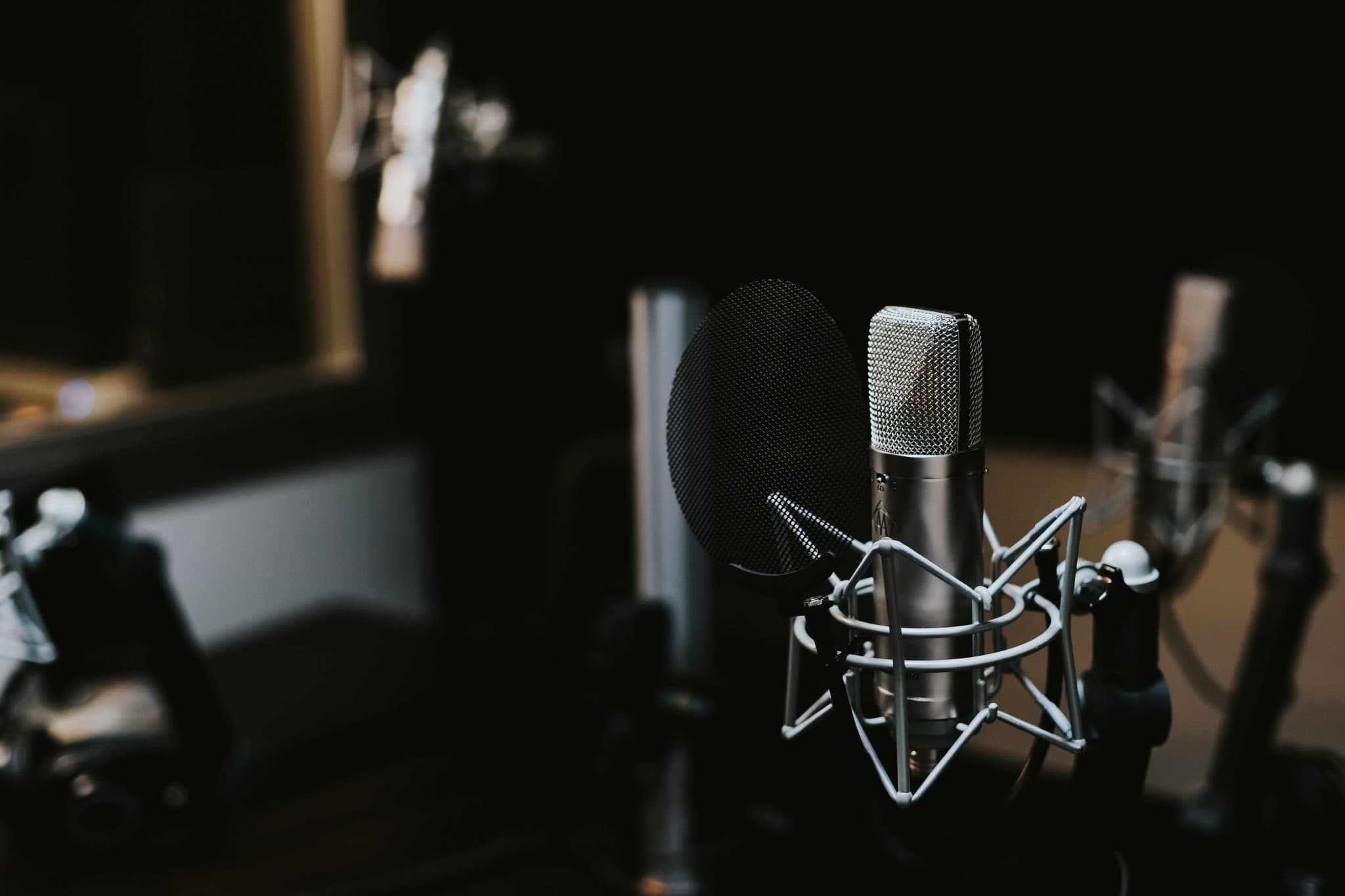
Metal Home Recording In 2024 And Preparing Stems For Your Mix Engineer
Metal Home Recording In 2024 And Preparing Stems For Your Mix Engineer is your end to end playbook for tracking tight parts, avoiding hidden mix killers and delivering export ready stems that translate. You will learn how to structure a session for heavy music, set reliable levels, print both character and safety options, name and [...]

Metal Home Recording In 2024 And Preparing Stems For Your Mix Engineer is your end to end playbook for tracking tight parts, avoiding hidden mix killers and delivering export ready stems that translate. You will learn how to structure a session for heavy music, set reliable levels, print both character and safety options, name and version intelligently, and ship a clean folder that lets your mix engineer move fast without guesswork.
Capture clean signals at home with a 2024 metal tracking workflow
Great stems start before the first riff. Decide what the song must communicate, set a conservative technical baseline and track for editing efficiency, not just inspiration. You are aiming for consistent takes that survive reamping, heavy processing and translation to multiple speakers.
- Clock and format: record at 24 bit with a sample rate that matches your production plan. 44.1 kHz or 48 kHz are dependable choices for metal. Keep the entire project at one rate.
- Headroom rule: aim for average playing around -24 to -18 dBFS and peaks between -12 and -6 dBFS on individual tracks. Leave generous space on all buses and the mix. Turn up your monitors rather than chasing hot waveforms.
- Noise hygiene: mute unused pickups, gate sparingly and capture a few seconds of room tone at the end of each take to help build smart noise prints later.
- Click and tempo map: lock the grid before tracking. If the song breathes, commit a deliberate tempo map with bar and section markers so edits are predictable.
For a clear primer on digital levels and headroom, see the Audio Engineering Society. Their publications provide solid fundamentals without hype: Audio Engineering Society.
Session structure that saves your mix engineer hours
Heavy music stacks density quickly. Your session should keep similar materials grouped, timing decisions obvious and creative intent visible. When the mixer opens your project, it should be impossible to get lost.
- Order by role: drums, bass, rhythm guitars, lead guitars, synths or FX, vocals. Within each, order close to far or low to high.
- Colour code families: choose one palette and stick to it. Consistency beats artistic variety in a working file.
- Commit editing lanes: keep only one active playlist per part. Archive alternates to a clearly named folder outside the mix session.
- Markers tell the story: label sections with lyrics and arrangement notes so punch points and emphasis moments are visible immediately.
Preparing mix stems for your engineer in 2024
Print what you love and include a clean safety alongside it. That single rule keeps emotion intact while giving the mixer freedom to refine balances. If you have signature sound design moves that define the chorus or breakdown, commit them. If you are unsure whether an effect is production or mix, deliver both versions clearly labelled.
Export settings that translate: sample rate, bit depth and headroom
When it is time to render stems, consistency matters more than exotic formats. Export mono sources in mono, stereo sources in stereo and keep every file sample aligned from the same start time so drag and drop assembly in a new DAW is flawless.
- File type: WAV or AIFF. Interleaved for stereo items. Avoid MP3 and normalisation on export.
- Bit depth and rate: 24 bit at 44.1 kHz or 48 kHz to match the project. Do not add dither if you are staying at 24 bit.
- Start time: render every file from bar 1 beat 1 or from 00:00:00 with two bars of pre roll. This guarantees perfect line up across DAWs.
- Headroom on exports: check that individual stems still peak below -6 dBFS and do not clip after processing. True peak overs hide easily inside saturators and limiters.
For context on loudness and true peak management, broadcasters follow EBU guidance. While music mastering targets differ, the documents explain measurement ideas well: EBU Technical Publications.
Naming, versioning and notes that make sense on first open
Clear names prevent mistakes, especially under deadline pressure. Use a short, descriptive and sortable pattern that reads without opening the file.
- File pattern:
Artist_Song_Sec-Number_Source_Role_MicOrPlugin_Version.wavfor exampleBandX_TombOfLight_01-Drums_KickIn_D6_v2.wav. - Comp state: add
COMP,ALTorTAKE3in the name. Delete junk takes rather than hiding them inside the session. - Documentation: include a one page PDF or TXT with tempo map, tuning, sample rate, special FX notes and pronunciation for names or languages if relevant.
- Revisions: version stems in one place only. If a part changes after delivery, send a small update pack with identical start time and a short change log.
For practical stem export checklists, Sound On Sound’s production features are consistently reliable for general workflows: Sound On Sound Techniques.
Guitars and bass: capture DI plus your amp identity
Heavy guitars and bass benefit from flexibility. Always record a clean DI alongside your favourite amp or sim tone. The DI lets the mixer refine low mid balance, fix fizz and adjust palm mute weight without rewrites. The printed amp track preserves the vibe that made you play harder.
- DI sanity: set your instrument so the loudest playing peaks around -10 dBFS on the DI channel. If the interface clips when you dig in, attenuate at the source.
- Reamp readiness: include a 1 kHz reference tone at -18 dBFS for ten seconds plus the settings of any pedals or sims used. That makes level matching easy later.
- Double tracking rules: record doubles as distinct performances. Do not copy and shift. Keep pick attack consistent and mute string squeaks between takes.
If you want your DI’s to hit the sweet spot through real cabinets, a dedicated pass through a curated rig can add width and authority. See how we approach this in premium reamping for guitars and bass and get both character and control without guesswork.
Drums: phase coherent multitracks and useful sample prints
Nothing slows a mix like drum tracks that fight each other. Before exporting, confirm polarity and timing across close mics, overheads and rooms. Commit any essential sample layers as separate clearly named tracks and include the raw triggers or MIDI so balance remains flexible.
- Editing baseline: choose one quantise approach and apply it consistently. If you edited, render consolidated audio so the mixer is not chasing missing files.
- Phase sweep: nudge overheads and rooms to the kit centre. Align kick and snare close mics to their transient centre by ear rather than purely by samples.
- Sample policy: print each layer soloed as its own track named
Kick_Sample_Aand keep original shells untouched as well.
If phase still feels fuzzy after edits, book a quick focused fix. Our multi mic drum phase alignment and surgical drum editing services turn tangled kits into mix ready foundations fast.
Vocals: comp smart, label stacks and protect the voice
Deliver one main comp, labelled doubles and harmonies per section. Name parts by musical function rather than by track number. Keep the main performance dry and send tasteful printed FX as separate options.
- Stacks:
Lead_Main_COMP,Lead_DBL_L,Lead_DBL_R,Chorus_Harm_3rdUp,Gang_Shouts. - De ess choice: if you de ess on the way in, include a
Lead_Main_Cleanstem as well so the mixer can target band specific harshness later. - Breath and noise: do not hard gate singers. Leave natural breaths unless they are distracting. The mixer will shape them musically.
If your comp is close but not consistent, passing the last 5 percent to a specialist protects feel and saves time. See vocal editing that keeps emotion intact for clean timing and intelligibility without the over processed sound.
Synths, atmospheres and FX: print identity plus safety
These elements add emotion and glue. Commit the exact chorus bloom, riser or impact that sells the transition and include a drier version if the reverb or delay is a creative risk. Bounce long tails with enough post roll that decays finish naturally.
- Memory savers: render hardware passes to audio and include preset numbers or photos in the notes file.
- Sidechain cues: if a pump or duck defines your part, bounce the control key as a mute only track called
SC_Keyso the mixer can rebuild it precisely. - Print stems by role: Pads, Arp High, Riser Long, Impact Short, Texture Noise. Avoid catch all names.
References and tone targets help your mix land first time
Two to three commercially released references clarify intent better than long adjectives. Note what you like about each: snare crack, low end contour, vocal forwardness, width at the chorus. Supply time stamps where the characteristic is obvious. If you need one of your favourite tones recreated, include the candidate track and a short note on why it works for you.
If you want scientific matches for core sounds, our reference track and tone matching workflow creates target curves and transient envelopes you can actually hear rather than just see on a graph.
Folder architecture that travels cleanly across DAWs
Think of delivery like a tour pack. Everything should be obvious at a glance. Keep the folder slim but complete so your engineer can drag, drop and mix within minutes of download.
- Root:
Band_Song_Tempo_Key_SR-Bit_v1 - Inside:
01_Drums,02_Bass,03_GtrsRhythm,04_GtrsLead,05_SynthsFX,06_Vox,07_Refs,Docs. - Docs contains: tempo map as MIDI, lyrics, notes PDF, session screenshot of master routing, and a quick readme with any special automation moments.
- Archive: keep your original DAW session elsewhere. Do not ship plugin heavy project files unless requested.
If you need a compact alternative to PDF for notes, a plain TXT is perfect and survives every operating system. To verify file integrity after upload, create and share a checksum. A short overview of checksums is here: Checksum explained.
Quality control checklist before you send
- Open a new empty project in your DAW, drag in the stems and press play from bar 1. Everything should line up, nothing should be missing.
- Solo scan rhythm section, then vocals, then lead instruments for clicks or edits at region boundaries.
- Confirm there are no limiters or clipping on any printed track. Peaks should remain below -6 dBFS.
- Check stereo items for accidental mono exports or swapped channels, especially rooms and FX returns.
- Listen on two speakers and one set of headphones to ensure no hidden DC offset or strange phase artefacts.
Common pitfalls and quick fixes in home recorded metal
- Guitars too bright: reduce high shelf boosts in sims, reposition the virtual mic slightly off cap and tame fizz with a narrow 4.5 to 6.5 kHz cut rather than a global tilt.
- Bass disappears: print a DI with controlled low mids and a mid forward distortion lane. Blend for note definition under busy guitars.
- Over edited drums: if transient edges sound brittle, crossfade longer and soften velocity on repeated ghost notes to restore life.
- Vocals over compressed: keep tracking compression gentle and slow. Deliver a parallel crushed option if you love the energy, not only the crushed one.
- Session bloat: render heavy virtual instruments to audio and freeze anything else you keep. Your mixer should not need to purchase your plugin list to reproduce the demo.
When remote help makes the record better
If you are close but not confident about final polish, handing off to a specialist keeps momentum high. We work from well prepared stems every day and return mixes that respect your vision while standing up on release platforms. Explore options for complete metal mixing and mastering or focused stem based mixing when you want targeted improvements without rebuilding your entire production.
Step by step: export recipe by instrument family
- Drums: Kick In, Kick Out, Snare Top, Snare Bottom, Toms 1 to N, OH L R, Room L R, any mono rooms, Hats and Ride only if they carry unique patterns. Include MIDI or trigger tracks plus printed samples per layer.
- Bass: DI clean, amp clean or grit print, parallel distortion if used, sub synth if layered. Label tuning if not standard.
- Rhythm guitars: Left and right pairs per section, clearly annotated for drop tuning or capo changes. DI companions for each printed amp.
- Lead guitars: main melody, harmonies by interval, special FX such as whammy or ring mod as separate prints. Include DI if pitch based FX were printed.
- Synths and FX: per role stems and long tails with enough post roll. Sidechain keys printed mute only.
- Vocals: lead comp, doubles L R, harmonies named by interval, ad libs, gang vocals, printed FX as separate stems plus a fully dry lead.
A light touch on loudness keeps mixing flexible
Leave mastering for the mastering stage. If you want to send the vibe of your demo, include a reference bounced with your limiter on the mix bus, but keep the exported stems unprocessed and conservative. Your engineer will build height, width and depth that a brick wall preview cannot reveal. For perspective on distribution loudness targets and terminology, Apple’s documentation is a helpful read even if you are not delivering masters yet: Apple Digital Masters overview.
Related reading and next steps
If your tracks were recorded in a rehearsal room or at home and you want release ready results, remote metal mixing and mastering lets you keep creative control while upgrading translation. When your project relies on short turnarounds, our mixing service and targeted drum sample blending can fix common home tracking compromises without heavy rewrites.
Should I send my master bus processing with the stems
Send two things. First, a reference mix that includes your master bus chain so the mixer understands your intention. Second, export the actual stems with all master bus processing bypassed. Keep peaks below -6 dBFS so there is space to build punch and width.
Is 44.1 kHz or 48 kHz better for metal in 2024
Choose one and keep it consistent. 44.1 kHz is fine for music release. 48 kHz can help if you produce lots of video content. The bigger improvement comes from stable gain staging and tight performances rather than from switching sample rates mid project.
Do I need to dither when exporting 24 bit stems
No. Dither is for reducing bit depth, for example 24 bit to 16 bit. If you stay at 24 bit for mixing, leave dither off on stems. If a final master must be 16 bit, the mastering stage will add appropriate noise shaping at the very end.
What is the best headroom target for exported stems
A practical target is peaks between -12 and -6 dBFS and no limiting. That range avoids inter sample clipping after processing and preserves transient shape for punchy drums and guitars.
How should I deliver both DI and amp tracks for guitars
Provide a folder with matching pairs named by role and side. Example: RhythmL_DI and RhythmL_Amp. Keep identical start time, note any tunings and include a ten second 1 kHz tone at -18 dBFS for easy reamp calibration.
Should I print pitch correction on vocals
Print a tastefully corrected version if it inspires your performances and also provide a completely dry vocal without tuning. The mixer can then choose the approach that best serves intelligibility and emotion.
Useful external reading: Audio Engineering Society for fundamentals, EBU Technical Publications for measurement concepts, Sound On Sound techniques hub for practical production walkthroughs, and a short checksum primer for reliable file delivery.