Dialing In Amp Settings for Metal
Dialing In Amp Settings for Metal is about developing a consistent workflow that produces tight low end, articulate mids and controlled high-frequency bite at any volume, with any guitar, on stage or in the studio. This guide gives you practical starting points for gain structure, EQ, presence/depth, boost pedals, gates, and tuning-specific tweaks, alongside quick [...]
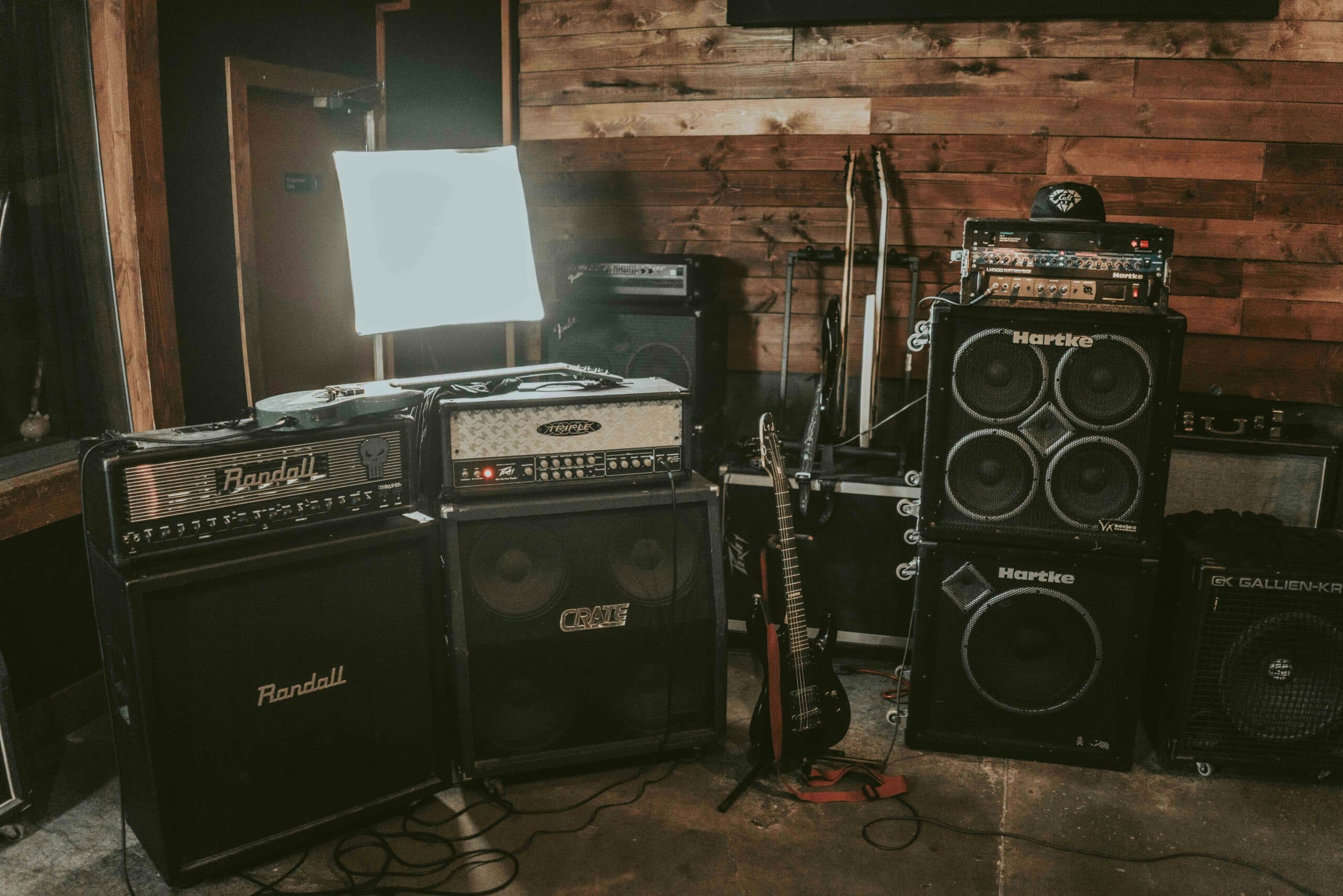
Dialing In Amp Settings for Metal is about developing a consistent workflow that produces tight low end, articulate mids and controlled high-frequency bite at any volume, with any guitar, on stage or in the studio. This guide gives you practical starting points for gain structure, EQ, presence/depth, boost pedals, gates, and tuning-specific tweaks, alongside quick fixes for common problems like flub, fizz and scooped mixes that disappear once drums and bass come in.
A repeatable workflow that works on any amp
Great metal tones come from process, not luck. Use this order every time so your decisions stack logically and you can troubleshoot quickly:
- Set monitoring level first so you judge gain and EQ honestly. Work at a comfortable but revealing loudness.
- Sort gain structure: guitar output → optional boost → preamp gain → master/volume → presence/depth/resonance.
- Shape the mids before bass/treble. Get note definition and pick attack right, then trim lows/highs.
- Refine low end (bass, depth/resonance) for punch without bloom.
- Refine top end (treble, presence) for bite without fizz.
- Add gate only after the above is musical. Gate settings follow the tone, not the other way around.
- Record a 20–30 s riff loop and make micro-moves with your hands off the guitar so comparisons are real. If you need the flexibility to explore heads/cabs later, capture a clean DI and plan to re-amp.
Gain structure: saturation that stays tight
More gain often sounds bigger in isolation but smaller in a mix. Aim for the minimum preamp gain that delivers sustain and palm-mute authority. Then let pick consistency and multitracking add density instead of cranking saturation.
- Boost pedal (classic “tightener”): Drive 0–1, Level 6–9 (on a 0–10 style dial), Tone just above noon if you need extra cut. This high-pass/soft-clip front end trims flub and emphasises pick attack.
- Preamp gain: Start at 4–6 for modern high-gain channels. Increase until single-note riffs sustain cleanly, then back off ~⅛ turn. If chords smear, you’re past the sweet spot.
- Master/volume: The power section changes feel and top end as it gets louder. Re-balance treble/presence after you set the final master level for the room.
Understanding how loudness changes perceived EQ helps you make confident choices. Human hearing becomes more mid-forward as level rises and less sensitive to extreme lows/highs at modest levels; equal-loudness contours explain why tones that are bright at bedroom volume can feel balanced on stage. For a primer, see equal-loudness contours.
Mids first: the anchor of intelligibility
The midrange carries note identity and pick articulation. Scooping can feel “huge” alone but vanishes behind cymbals and bass. Favour a healthy mid presence, then season the lows/highs.
- Middle: Start 5–7. Drop only if you have dense mid content elsewhere (e.g., multiple guitars + vocals) and the arrangement needs space.
- Presence vs Treble: Think of presence as air/attack in the power section, treble as upper-EQ bite in the preamp/tone stack. Start with Treble 4–6, Presence 2–4, then adjust for mix brightness.
- Contour/shift switches: If your amp offers a “shift” or “voice” toggle, pick the option that keeps palm-mutes percussive without thinning single notes.
Low end that punches instead of flubbing out
Metal rhythm lives and dies in the 70–150 Hz region. Too much bass or depth makes the speaker overshoot, blurring doubles and tripping gates. Too little and the chugs lack authority.
- Bass: Start 3–5. Raise until palm-mutes feel weighty, then back down ⅛–¼ turn when the cab starts to “wobble”.
- Depth/Resonance: Start 2–4. Increase only until you sense chest impact on chugs; if triplets smear, reduce resonance or add a touch more mids.
- Cab position matters: Even 20–40 cm from a wall can tighten the low end. If you mic cabs later, keep positions repeatable so amp tweaks translate.
Setting up your amp for heavy tones (a practical variation on the theme)
Whether you run a modern high-gain head, a lunchbox amp, or a software model, begin with the channel’s “noon” baseline and apply the ranges above. Lock the gain just below mush, grow the mids until riffs punch through, then sculpt lows and top end so the sound stays fast and controlled under double-tracking.
Top end: cut without fizz
Fizz usually lives above where guitar speakers naturally roll off; “bite” sits lower and carries pick definition. Lead tones need a little more treble/presence than rhythms, but guard against icepick harshness that fatigues listeners.
- Treble 4–6, Presence 2–4 as a rhythm baseline. For leads, try +0.5–1 to treble or presence, not both.
- Pick scrape control: If scratch dominates, reduce treble slightly and shift presence up a hair to keep attack without razor highs.
- Cab/sim filters: If you use IRs or sims, avoid stacking multiple cabs or post-cab EQ boosts that reintroduce fizz you already filtered out.
Match settings to guitar, pickup and tuning
Your guitar is part of the circuit. Output level, pickup voicing and tuning change how the front end behaves. Adjust the recipe, not the goal.
- Active high-output humbuckers: Reduce preamp gain ~½–1 number compared to passives; raise mids a touch to avoid a glassy scoop. Presence often prefers the low side (2–3).
- Passive hot humbuckers: Keep boost Level slightly lower to prevent excessive front-end clipping; Treble/Presence balance tends to be friendlier around 4/3.
- Down-tuned 7/8-strings: Trim Bass by ~0.5–1 and Depth by ~0.5 from your 6-string recipe. Consider slightly more mids (up to 7–7.5) for note separation below C.
- Single-coils/P-90s: Add a touch more preamp gain and treble; keep presence modest so pick attack doesn’t get spiky.
If your project leans into ultra-tight, low-tuned rhythm work, you’ll also benefit from editing and mix choices that support the amp tone. For genre-specific outcomes, see how a focused service approaches the end-to-end chain for tight, low-tuned modern metal or broader metal mixing & mastering.
Noise gates: control versus feel
A good gate is invisible when set correctly. It should open before you pick and close smoothly after releases, never choking vibrato tails. With hotter pickups and more gain, thresholds rise; with tight boosts and modest gain, you can run gentler settings.
- Threshold: Start low and raise until idle hiss just disappears. If tails “chop”, reduce threshold or lengthen release.
- Attack: Fast, but not instant (think 1–5 ms if your unit shows time) so the initial transient isn’t blunted.
- Release: Set so a palm-mute decays naturally (often 100–250 ms territory). For staccato djent parts, shorten; for sustained leads, lengthen.
Three proven starting-point recipes
- Modern tight rhythm: Boost ON (Drive 0–1, Level 7–9, Tone 12–2 o’clock). Gain 4–5. Bass 3–4.5. Mid 6–7. Treble 4.5–5.5. Presence 2–3. Depth 2–3. Gate light to moderate.
- Old-school thrash: Boost OFF or light. Gain 5–6. Bass 4–5. Mid 5–6. Treble 5–6. Presence 3–4. Depth 2–3. Slightly louder master for extra bite, minimal gate.
- Doom/sludge wall: Boost OFF. Gain 6–7 (stop before note smear). Bass 5–6 (watch cab bloom). Mid 5–6. Treble 4–5. Presence 1.5–2. Depth 3–4 for weight. Gate very gentle or bypass.
Troubleshooting by symptom
- Flubby chugs: Lower Bass or Depth by ¼ turn, add a mid click (≈+0.5), or engage a TS-style boost with Drive near zero and Level high.
- Fizz on top: Reduce Treble a hair and nudge Presence up (or vice versa); confirm you’re not double-cabbing in a sim. Move the mic slightly off-axis if you’re miking a speaker.
- Disappears in the mix: Raise Mids to 6–7.5; reduce Bass that competes with kick/bass guitar; avoid extreme scoops.
- Too harsh at gig volume: Remember equal-loudness: reduce Presence first, then Treble; compensate with a touch more Middle so definition remains.
- Gate chopping sustains: Lower Threshold or lengthen Release; also try slightly less preamp gain so the gate doesn’t fight compressor-like saturation noise.
Studio versus stage: why settings shift with volume
As master volume rises, amps often feel tighter and clearer; speakers compress pleasantly, and the top end smooths. That means bedroom “bright” can become stage “balanced”. Expect to rebalance Presence/Treble and possibly reduce Depth as the cab starts to move more air. For a background on how amplifiers and their stages contribute to tone, skim the guitar amplifier overview.
Keep options open: capture a DI and re-amp later
Even if you love today’s settings, printing a clean DI alongside your amp track lets you re-shoot tones after edits without replaying parts. If you want an engineer to run controlled head/cab/IR comparisons, book a practical re-amping session. To sanity-check how your tones benchmark against favourite releases, lean on reference-track tone matching before final mixes.
Quick reference checklist
- Monitor level comfortable but honest; re-check at performance volume.
- Boost: Drive 0–1, Level high, Tone to taste (optional).
- Preamp gain: minimum for sustain; back off just below mush.
- Midrange first: 5–7; avoid deep scoops that vanish in a mix.
- Bass 3–5, Presence 2–4, Treble 4–6, Depth 2–4; tweak for tuning.
- Gate only after tone is right; set Threshold low, Release musical.
- Record a loop and A/B small changes; keep notes of final settings.
When you’re ready to move from a great amp sound to a release-ready track, consider how it will be treated alongside drums, bass and vocals. If you prefer to stay creative while a specialist handles sonics, explore mixing & mastering for metal.
FAQ: dialling metal amp tones with confidence
How much gain do I really need for tight rhythm guitars
Less than you think. Set the gain just high enough that single-note lines sustain and palm-mutes feel authoritative, then back off a touch so chords stay readable. Density comes from double-tracking and consistent pick attack, not from cranking saturation.
What do presence and depth actually change on my amp
Presence shapes upper highs/attack and often lives later in the circuit, while Depth/Resonance emphasises the speaker’s low-frequency movement. Use Presence for bite and articulation, Depth for weight and “thump”. Start low on both (Presence 2–4, Depth 2–4) and add sparingly to avoid fizz or flub.
Should I use a Tube Screamer style boost in front
For modern tightness, yes—often. Run Drive near zero and Level high so the pedal trims lows and pushes mids without adding fuzz. If your guitar has very hot or active pickups, reduce the pedal Level so the amp’s front end doesn’t compress too early. For context, see the Tube Screamer overview.
Why does my perfect bedroom tone sound harsh at gig volume
Loudness changes how we perceive frequencies. At higher SPL the midrange feels stronger; treble can bite and lows can bloom. Re-balance at volume by reducing Presence first, then Treble, and trim Depth if the cab “whoomps”. A quick read on equal-loudness contours explains the effect.
Do I need to record a DI if I’m already miking a great tone
Yes—treat a clean DI as insurance. It lets you re-amp after editing, compare heads/IRs calmly, and match tones across songs without retracking performances. If you want someone to run the shootout scientifically, book re-amping support.